For Performers
If you've been cast in a show — or you're auditioning for one — this page gets you oriented. Everything lives at app.musicalendars.com: your dashboard, your shows, your rehearsals, and the calendar that lands on your phone.
Joining and signing in
You sign in with Google or Microsoft — there's no MusiCal-specific password. You usually arrive one of two ways:
- An audition form link. The form starts by asking you to log in or create an account — everyone in a show needs one, so it's done up front rather than left to sort out later. From there the form walks you through your name and a parent/guardian, and (if the director has it enabled) your conflicts. If you're too young to have your own email address, a parent can make the account and fill the form out for you. The last step, Review & Submit, lists everything you entered so you can check it before you submit. After you submit, MusiCal emails a copy of your answers to the performer's email — or to the parent, if there isn't one or a parent filled the form out.
- A "Join MusiCal" email. If your director adds you to a cast directly, you'll get an invite link that walks you through the same steps and drops you on your home page with your show and calendar ready.
Invite links are smart about accounts: if you're signed into a different account when you click one, MusiCal signs you out and takes you to sign-in with the right email already filled in.
Your sidebar
Four places: Dashboard, Productions (every show you're part of — cast, crew, or auditioned), Rehearsals (your upcoming calls across all shows), and Resume.
On a computer, click Hide at the bottom of the sidebar to hide it, for example in split screen. Click the arrow in the top-right corner to bring it back. A reload shows the sidebar again.
On Productions, a show you auditioned for stays under Awaiting casting until the director finalizes casting; if you weren't cast it then moves to Past Auditions.
Your show dashboard
Open a show and you land on a dashboard built for you: My Production (your role, scenes, and key dates), a Today's Rehearsal / Next Rehearsal tile, a Subscribe to Digital Calendar button, the latest Rehearsal Report (with notes tagged to you pulled out as "For you"), plus your Mic Assignment, Costumes, Hair & Makeup, Measurements, and Choreo & Music Resources — each filtered to just you.
If your schedule looks empty, your director probably hasn't published it yet — you'll see a note saying so, and your rehearsals appear automatically once they publish.
Your calendar
Tap Subscribe to Digital Calendar to add your personal rehearsal calendar to your phone or computer. It's a live subscription, not a one-time download: new rehearsals, schedule changes, and cast-visible notes appear on their own (your calendar app picks them up automatically the next time it checks — usually within a few hours). You only ever see the rehearsals you're called to.
Prefer paper? Your show's Printable Documents page has your Calendar Grid and Calendar List PDFs, your Scenes & Songs PDF, and anything your director has shared with the cast.
Conflicts
The Conflicts tab is where you tell your director when you can't be there. Times are picked from a clock (no typing "after school"), the tab shows your count at a glance — "Conflicts (3)" — and an Overall Notes box at the bottom covers anything that doesn't fit a single date ("away the first week of July").
Directors can lock conflicts on a show — new shows start locked. On a locked show you can still see your conflicts but not change them; ask your director and they can update them for you.
Scenes & Songs
Your Scenes & Songs tab lists the whole show in running order with a blue ★ next to the numbers you're in, and shows whether each is a scene, a song, or dialogue only. Your printable Scenes & Songs PDF matches — the whole show with your numbers bold and starred, and your personal list underneath.
Your resume
The Resume page builds a printable theatrical resume. Shows you do in MusiCal fill in automatically; add outside credits by hand, in either the performance section or Crew Experience if you worked backstage. Sort credits by year or by company, and download as PDF or Word.
Your bio and headshot
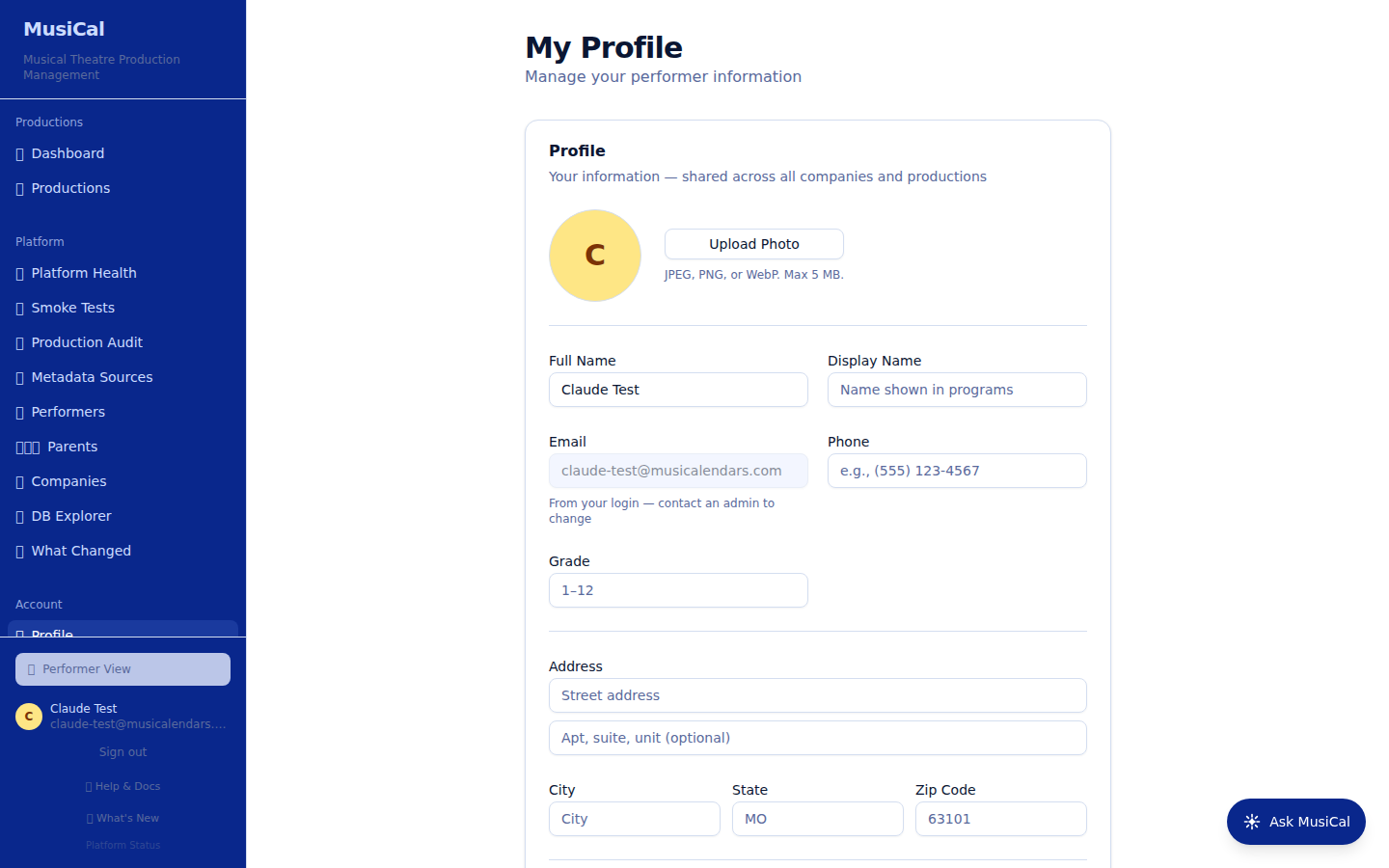
Your Profile page holds your headshot and details. If your director collects cast bios for the playbill through MusiCal, you'll see a Cast Bio box on that show's page with their instructions, any word limit, and a countdown when the due date is close. Save drafts freely; once you Submit to Playbill Team it's final on your side, so read it over first.
Common questions
- My schedule is empty. Your director hasn't published the calendar yet, or casting is still in progress.
- My calendar app isn't updating. Your calendar app picks up updates automatically the next time it checks — usually within a few hours. Google Calendar is usually the slowest to check — it can take six hours or more. If you need the latest right away, refresh the calendar in your calendar app. If a feed seems stuck, removing and re-adding the subscription forces it.
- The audition form came pre-filled with the wrong name/email. Just edit it — your edit sticks through to the submission.
For more, see Troubleshooting.