Running a Show
Once a production exists, this is your home base. The production's navigation is grouped into Casting (Auditions, Callbacks, Conflicts, Assign Roles), Scheduling (Characters, Groups, Scenes & Songs, Cast, Schedule, Publish Calendar), Production Resources (Printable Documents, Download Stats, Attendance, Playbill, Messages, Budget, Vocal & Choreography Resources), Tech, and Team (Production Team, Volunteers, Crew Form).
Cast
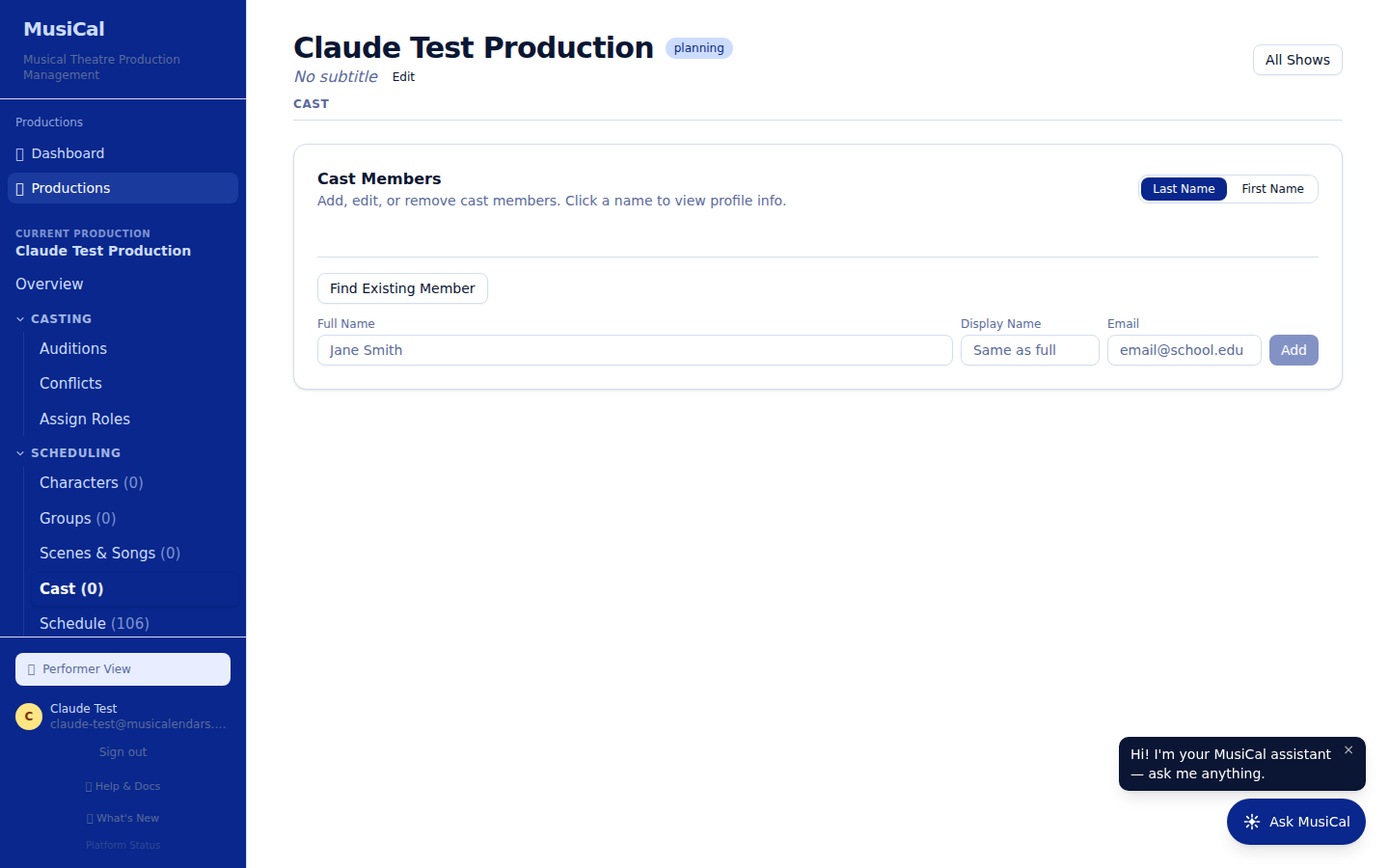
The Cast tab is the cast list — every performer and their role(s), with understudies tagged "(u/s)". From here you can Invite Cast to Platform (each performer gets a link to create their account and subscribe to their calendar), grab email lists — cast, parent, or all — as a CSV, and download the Cast List PDF, with or without the actor groups. Casting itself happens on Assign Roles.
Scenes & Songs
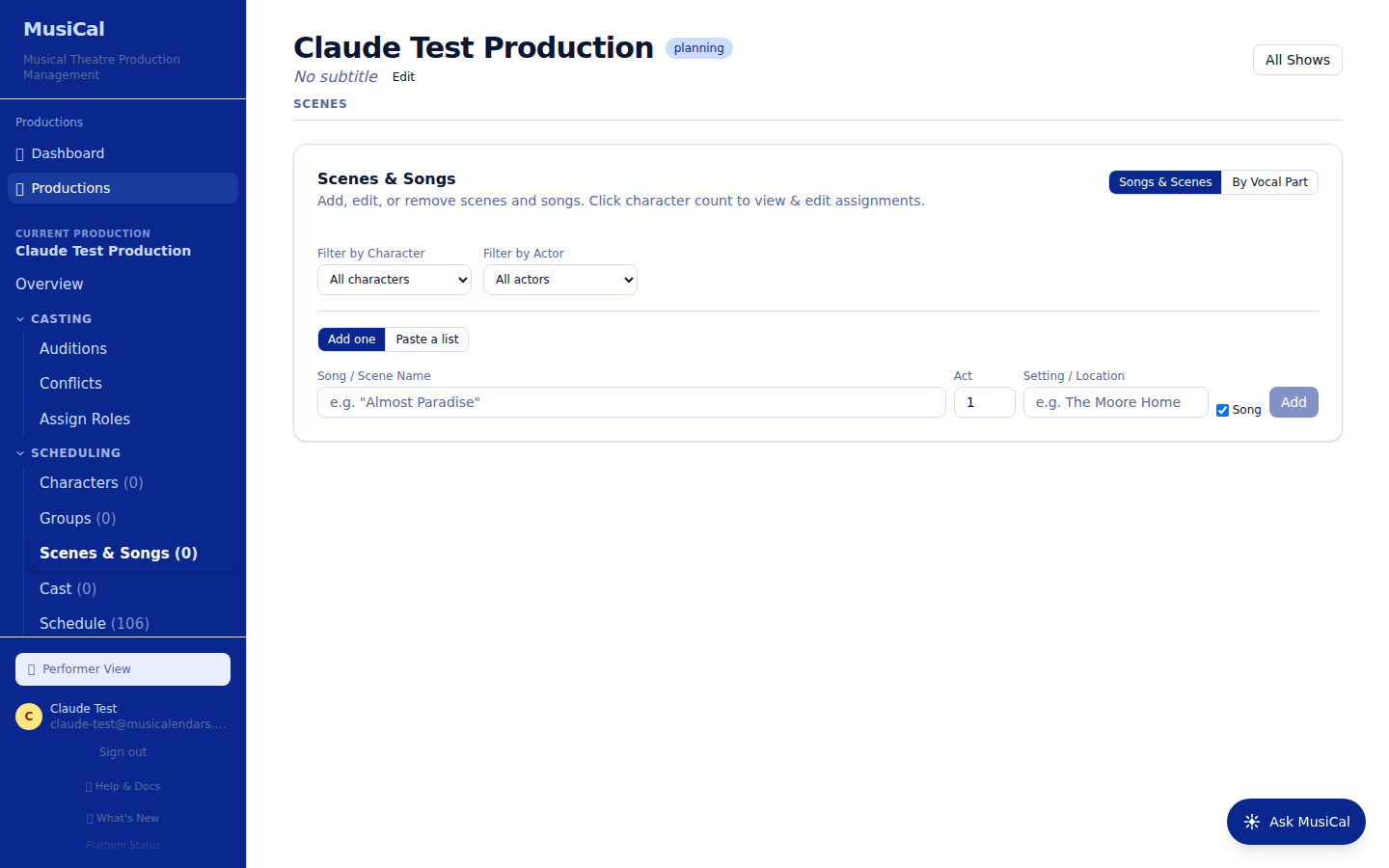
The Scenes & Songs tab is the show's structure: every scene and song in running order, with the characters and performers in each. This drives who is called — when you schedule a rehearsal and pick the numbers being worked, MusiCal computes which performers are in them.
Adding several songs or scenes at once. Above the add form there's a two-way toggle: Add one or Paste a list. Choose Paste a list, paste one name per line (blank lines are skipped), set the Act and tick All Songs if the whole list is musical numbers — both apply to every row — and MusiCal shows a running count of how many it will add before you commit. Afterwards you edit individual rows to set the setting, assign characters, or move something to another act. This is the fastest way to get a full song list in; the Scenes & Character Grid is for assigning who's in each number once they exist, not for creating them.
- Tag each entry as any mix of Song, Scene, and Dialogue Only. "Dialogue Only" keeps scene-change bits off the Costumes and Set Design tabs and out of the playbill's song list.
- Turn on Show # of Rehearsals per Scene/Song to see how many times each number is called on your schedule — a quick way to spot the song you've rehearsed six times and the one you've never called.
- Performers see their own read-only version of this tab, with the numbers they're in starred.
Groups let you assign a set of performers (an ensemble grouping) to numbers together, and Characters manages the roles themselves.
Schedule
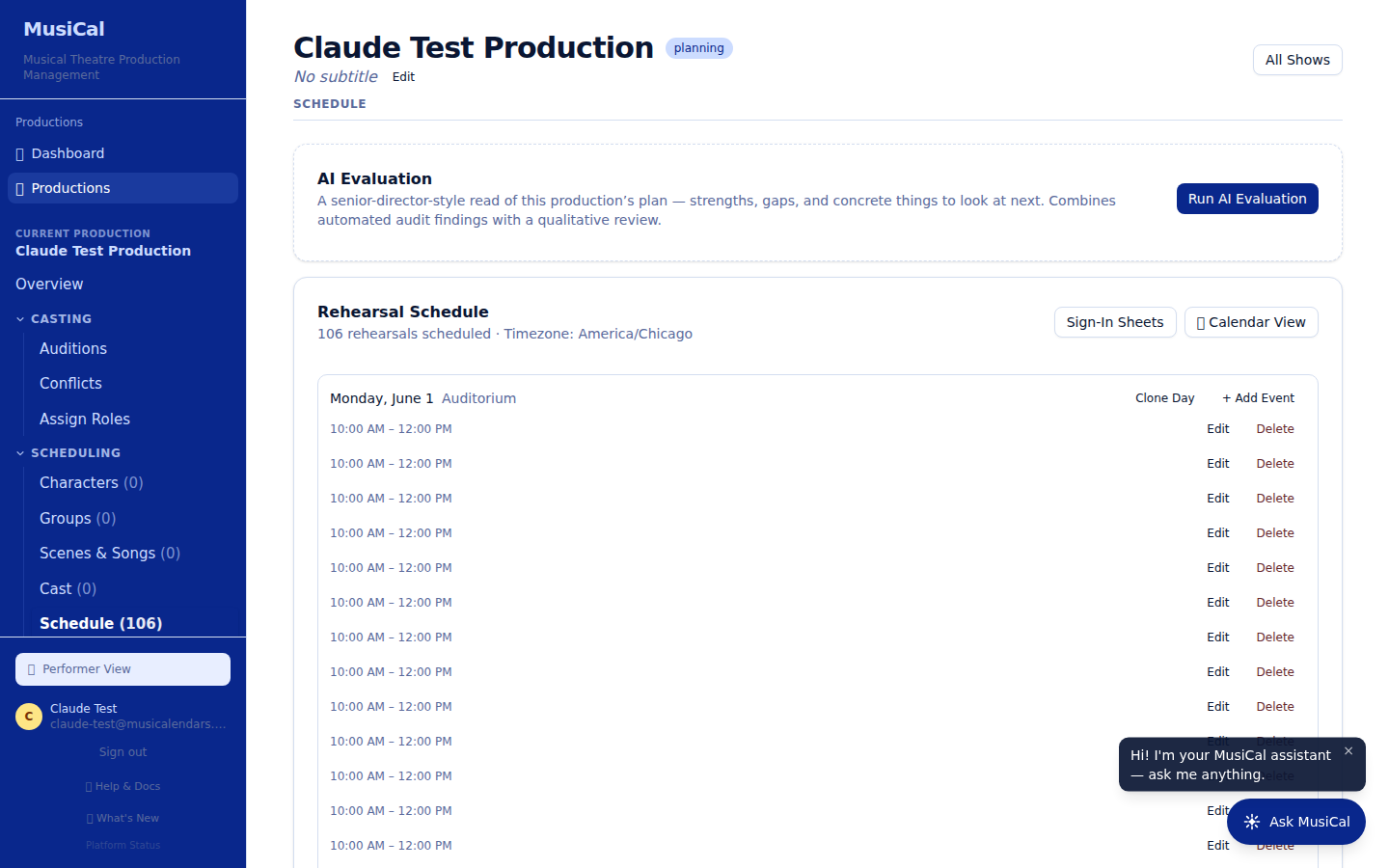
The Schedule tab opens on a calendar view; a List view is one click away.
- Add fast — click any day on the calendar to add a rehearsal there, with the date and venue prefilled. In List view, "+ Add Rehearsal or Event" opens the full add box.
- Duplicate — copy a rehearsal onto other days from the calendar ("Duplicate a Rehearsal", then click the days you want), or use an event's Duplicate button in List view.
- Location — new events default to the location of another event that day (or your venue), and clicking the Location box opens the list of places you've used before.
- Type — music, blocking, choreography, run-through, tech, dress, performance, work, plus any custom types from Company Settings.
- Who's called — the cast call comes from the scenes/songs you pick. Staff and crew are an explicit choice: open "View & select crews" to call whole crews, Crew Heads, your Company Staff, or the Full Crew in one click, and use "View All Crew Members" for specific people. Full Crew calls everyone on the production team who isn't company staff — the show's own crew — so it pairs with the Company Staff button rather than repeating it; to call literally everyone, tick Full Production Team at the top of the box instead. You can drop one person from an otherwise-called crew without un-selecting the whole crew. "View & select crews" lists every crew division — the ones with people first, then, under "No one assigned yet", the ones you haven't filled. You can tick a crew before anyone is on it: tick Lights for your tech rehearsals now, and whoever you add to Lights later is on those rehearsals automatically. Until then, the schedule shows a Lights placeholder on that rehearsal. People you add to a crew get those rehearsals on their calendar the next time you generate and publish.
- Notes — rehearsal notes marked visible to cast travel everywhere: the schedule, the printable PDFs, and each person's subscribed calendar. Director-only notes stay in the admin view.
Edits show up the moment you save them. The calendar opens on this month; if every rehearsal is still ahead, it opens on the first rehearsal's month instead, and a show that is already over opens on this month, marked (no events). The List view opens on the rehearsals still ahead (today onward) with Show All Rehearsals there to bring back the past, and its other filter buttons (called cast & conflicts, called staff) help during a long season.
Publish Calendar
Building the schedule and sharing it are separate steps. Performers see an empty schedule until you publish from the Publish Calendar tab — publishing generates each person's calendars and turns on their live subscription feed.
-
Subscriptions — each cast, staff, and crew member subscribes once; their phone's calendar then updates itself whenever you change the schedule and re-publish. Each person's calendar app picks up your updates automatically the next time it checks — usually within a few hours. Google Calendar is usually the slowest to check — it can take six hours or more.
-
Adding a performer after you publish — once the calendar has been published and roles are finalized, giving a new cast member their role (on the Cast tab, or by dragging them onto a role in Assign Roles) pops up "Be sure to regenerate the calendars so ___ has access." Regenerate & Publish regenerates and publishes in one click, so they get their calendar. Not now leaves the published calendar as it is — they have no calendar until you publish again from this tab.
-
PDFs — printable calendar grid and list documents, one set per person, showing only what they're called to. Busy days print in full — no "+2 more" truncation.
-
Download Stats — see who has subscribed or downloaded, including iPhone/Apple Calendar subscribers. A download counts whether the performer did it on their own account or a parent did it on theirs. Click any cast member to expand their row and see every account that subscribed or downloaded for them — the performer, a parent, or both — what they took, and which calendar apps are polling their feed. Refresh counts stop accumulating once a show's last event has passed.
Subscribed means the feed is still being refreshed — not merely that someone opened the link once. Opening a calendar link in a web browser downloads a one-time snapshot of the schedule; it does not subscribe to anything, so that person's calendar never updates again and their row reads Not yet with "browser" under Calendar app. A row also stops reading Subscribed if a real calendar app has gone quiet for more than two weeks. Once a show's last event has passed, that two-week rule no longer applies, because MusiCal stops recording refreshes on a finished show.
One limit worth knowing: each performer has one calendar link, shared by the whole household. When a calendar app refreshes that link there is no sign-in involved, so MusiCal cannot tell which family member added it. A row can therefore read Subscribed with nobody named beside it — that means an app is genuinely polling the feed, but no one has clicked Subscribe while signed in. Where someone did click Subscribe in MusiCal, that person is named, and the row is tagged Performer, Parent, or Performer + parent.
The Cast Coverage chart counts more people than the Downloaded column, on purpose. The chart at the top of the page answers "who has never touched their schedule at all", so it counts everyone who has either subscribed or downloaded — which is why its percentage is normally higher than the number of rows tagged Downloaded. A performer who subscribed on their phone and never opened a PDF is using their calendar and is counted in the chart, but has genuinely downloaded nothing. Both readings are true; they answer different questions. The ▶ … hasn't used their calendar yet line under the chart names the people who have done neither — that is the list worth chasing.
Printable Documents
Every generated document for the show lives on Printable Documents — calendar grid and list, Scenes & Songs, the Scenes & Character Grid, actor groups, the cast list, conflicts, sign-in sheets, plus anything you upload. The Cast List PDF is a two-column list of every character and the actor cast in the role; a role played by several performers, such as an ensemble, is one row with the names separated by commas. Cast List with Groups adds a section listing each actor group and its members. Each document has a toggle: green "Shown to Cast" means performers can download it from their own Printable Documents page; red "Hidden from Cast" keeps it staff-only. Conflict and sign-in documents start hidden because they list other performers' details.
Attendance
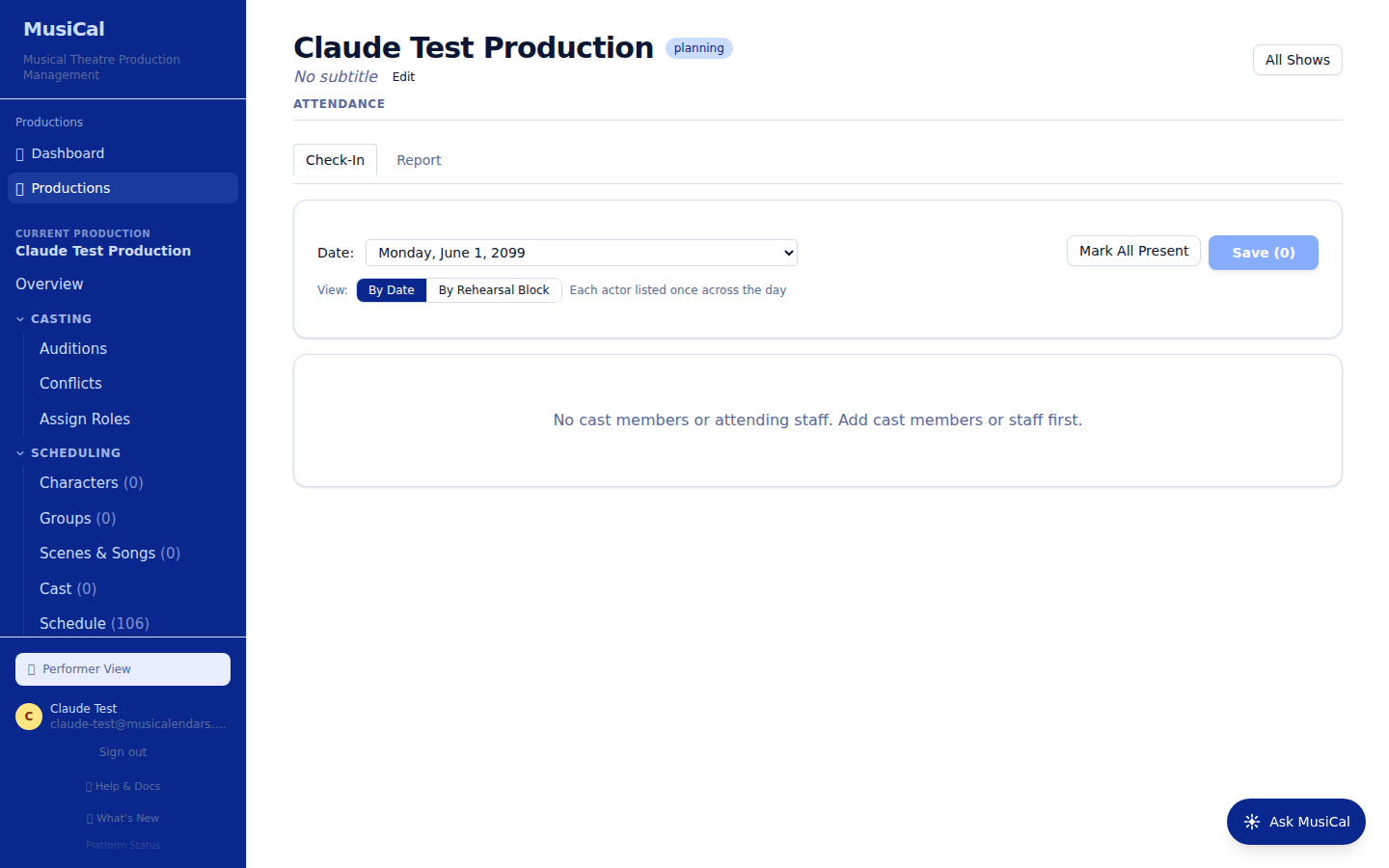
The Attendance tab checks performers in at each rehearsal and builds a grid report across the whole rehearsal period — useful for spotting patterns and documenting attendance. You can print sign-in sheets straight from the Check-In tab: one page per rehearsal day, or just the day you have selected.
Crew Form
Team → Crew Form is a sign-up form for your crew, built like the audition form. Share its link: crew members fill in their info, rate each division you ask about as Interested, Maybe, or Not Interested, and mark their scheduling conflicts. Like the audition link, it lets them create a MusiCal account. Like the audition form, it ends with a Review & Submit step listing every answer, and each crew member gets an emailed copy of their answers after they submit.
- Form Setup has the audition form's settings — title, description, open and close dates, and conflicts. Its conflict dates start from your audition form's, or from your first rehearsal to closing night if the audition form has none.
- Crew Questions works like the audition question list, without the standard-question bank: the Crew Member Info page starts with name, email, contact, parent and emergency-contact questions that you can edit or remove, and you add your own questions with Add Question. On the Crew Divisions card (under the Crew Preferences page), tick the divisions you intend to use — crew members only see the divisions you tick.
- Submissions lists everyone who signed up. Choose a division to see who's interested in it.
- Scoreboard lists every crew member with a check, in the division's color, under each division they marked Interested.
Both Submissions and the Scoreboard export to Excel. Signing up doesn't add anyone to your Production Team — add the people you choose on Production Team.
Closing night
A production stays in MusiCal after closing — schedule, cast list, playbill, everything remains for reference, and performers keep their calendar subscriptions. Archived productions sit behind a "View archived productions" link at the bottom of your dashboard rather than cluttering the top. If you add events after closing (an extension, a put-in, a strike day), calendars pick them up as usual.